
The AI workspace for property marketing teams.
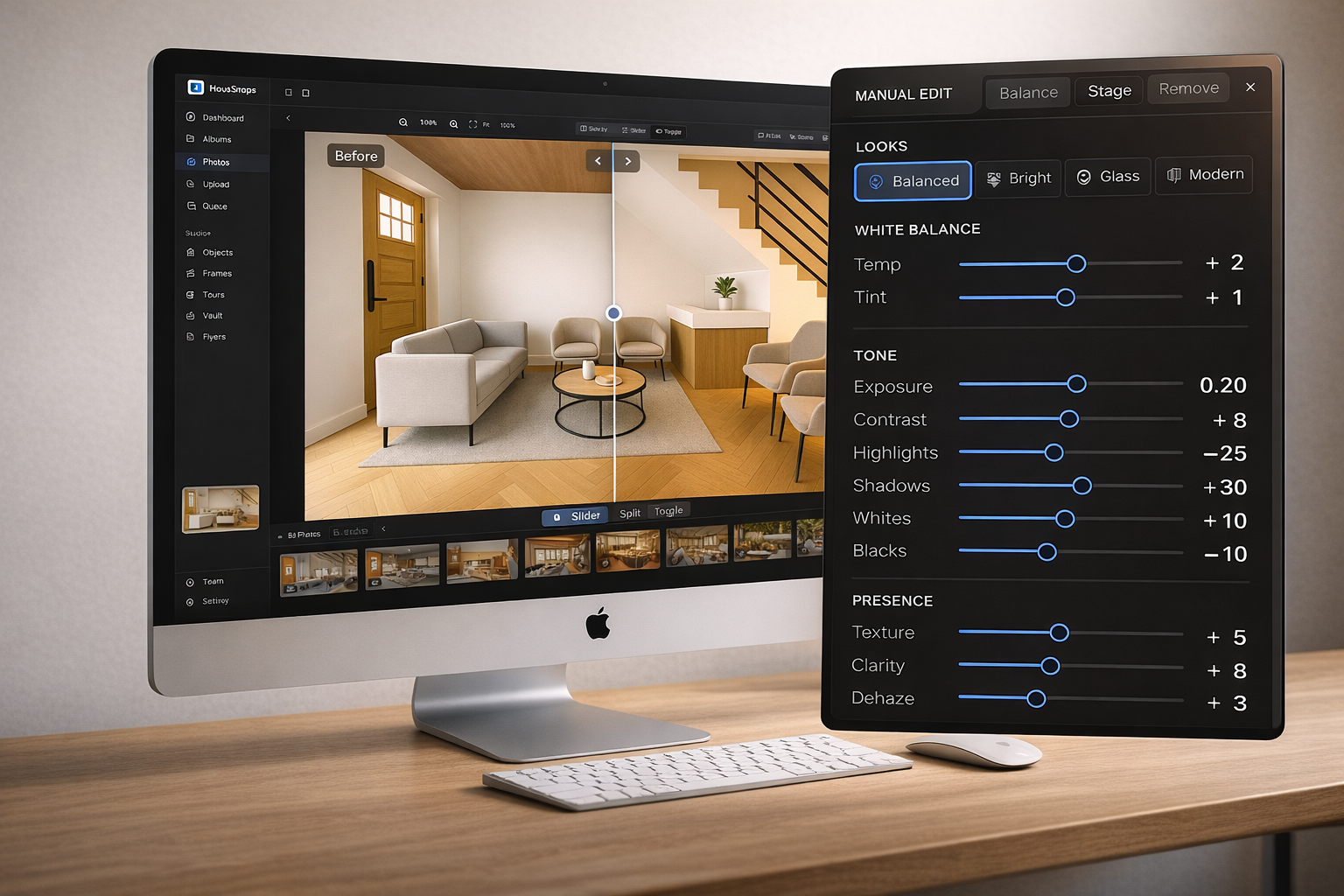
Edit photos, stage spaces, create listing content, manage versions, and prepare premium property assets from one web workspace.
Built for agents, brokerages, hosts, hospitality teams, property managers, and design professionals.
Start on-site.
Finish in Studio.
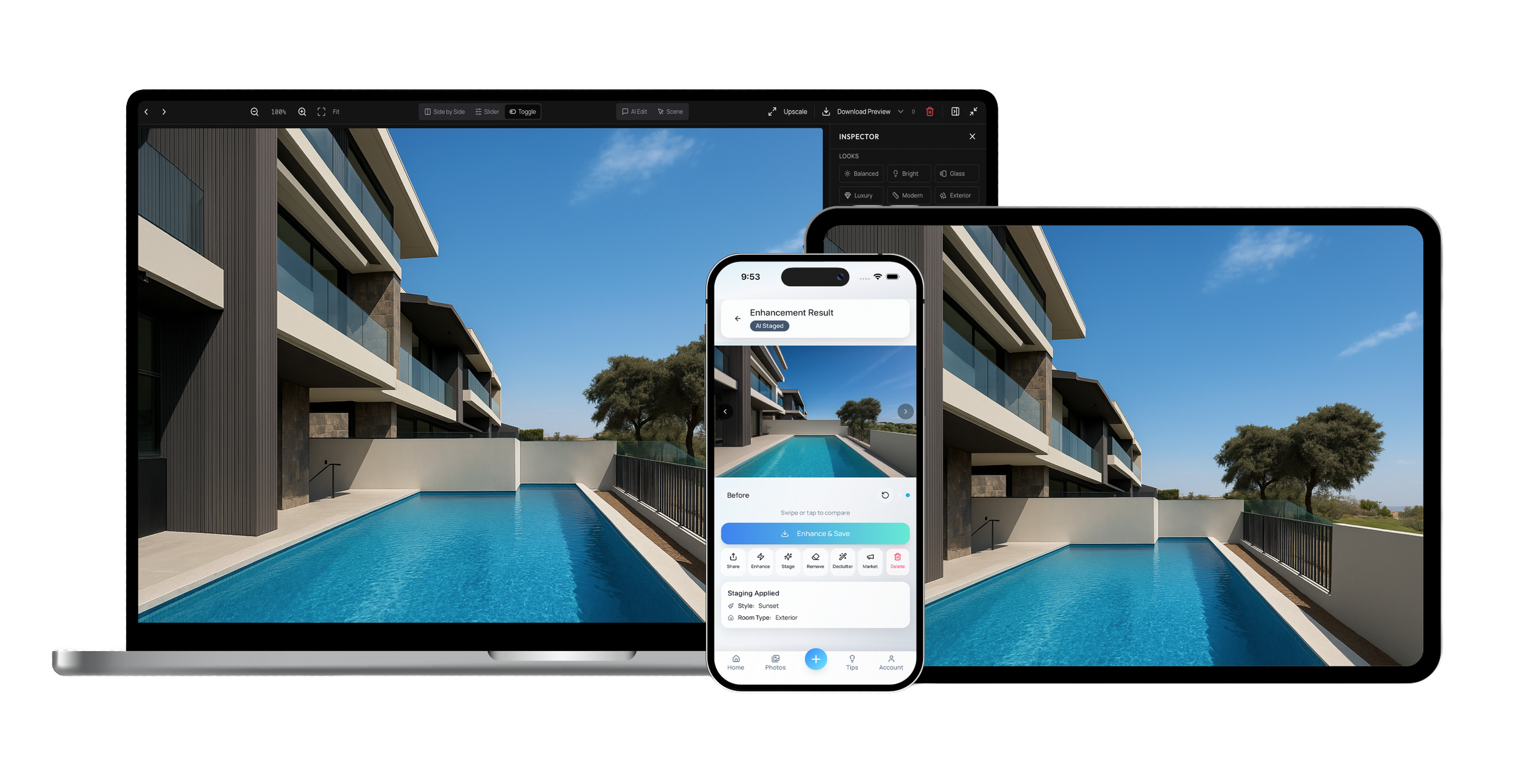
Capture photos in the HausSnaps app, then continue the full property workflow in Studio — editing, staging, descriptions, versions, approvals, and delivery.
No file transfers.
No delays.
No switching between tools.
No disconnected approval threads.
AI speed.
Professional control.
Use AI to create market-ready images fast, then fine-tune the details with desktop controls built for property marketing teams.
Sharper. Cleaner. Brighter.
Lift image quality instantly with AI-powered enhancement.
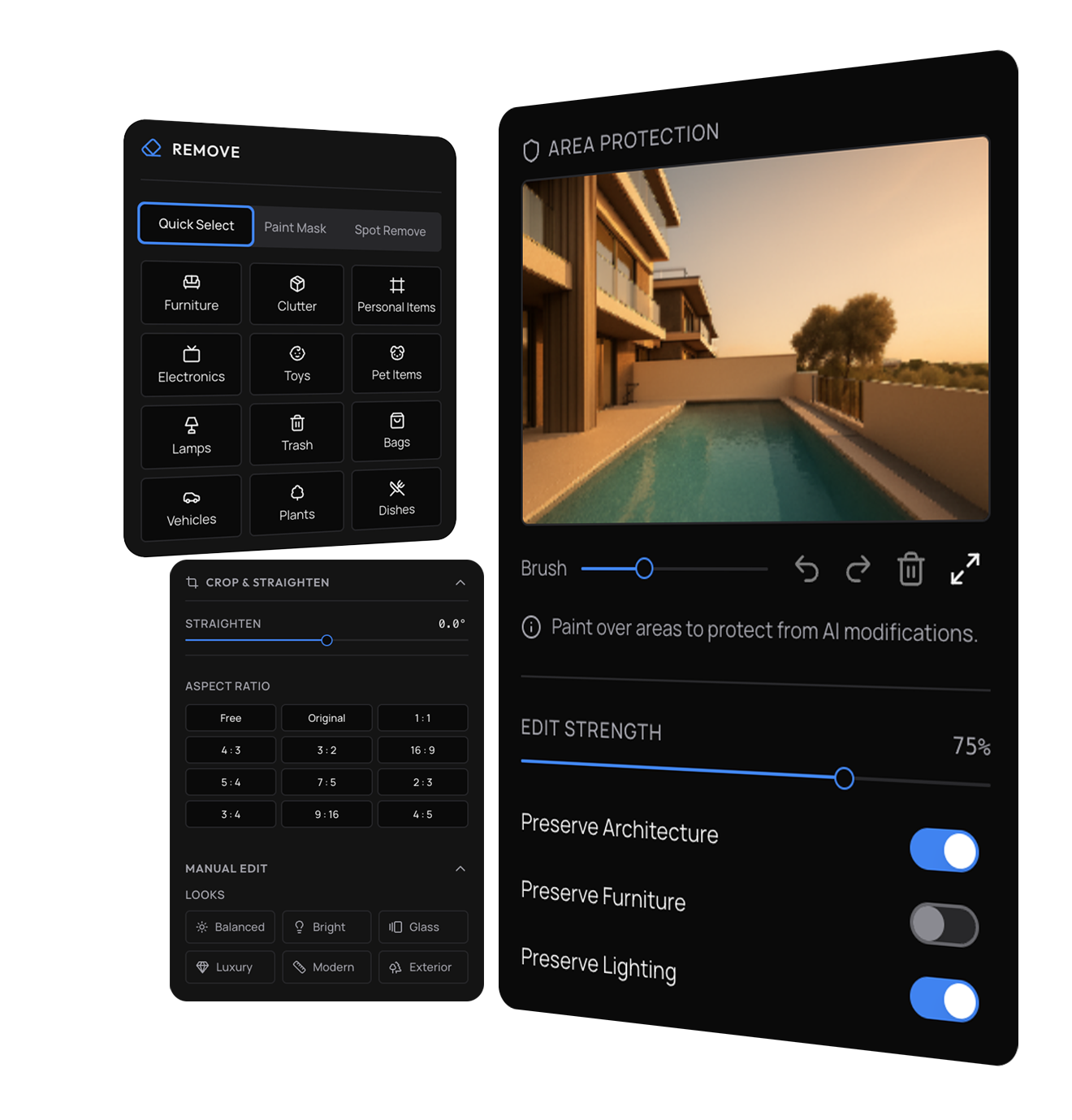
Consistency at scale
Keep every property looking polished across every listing with quick selects & edits.
Refine the details
Adjust exposure, tone, color, crop, and composition with precision.
Turn empty spaces into listings that sell
Turn vacant spaces into listing-ready interiors & exteriors in seconds.
Create realistic staged rooms that help buyers, renters, guests, and clients understand the scale, mood, and potential of a space.
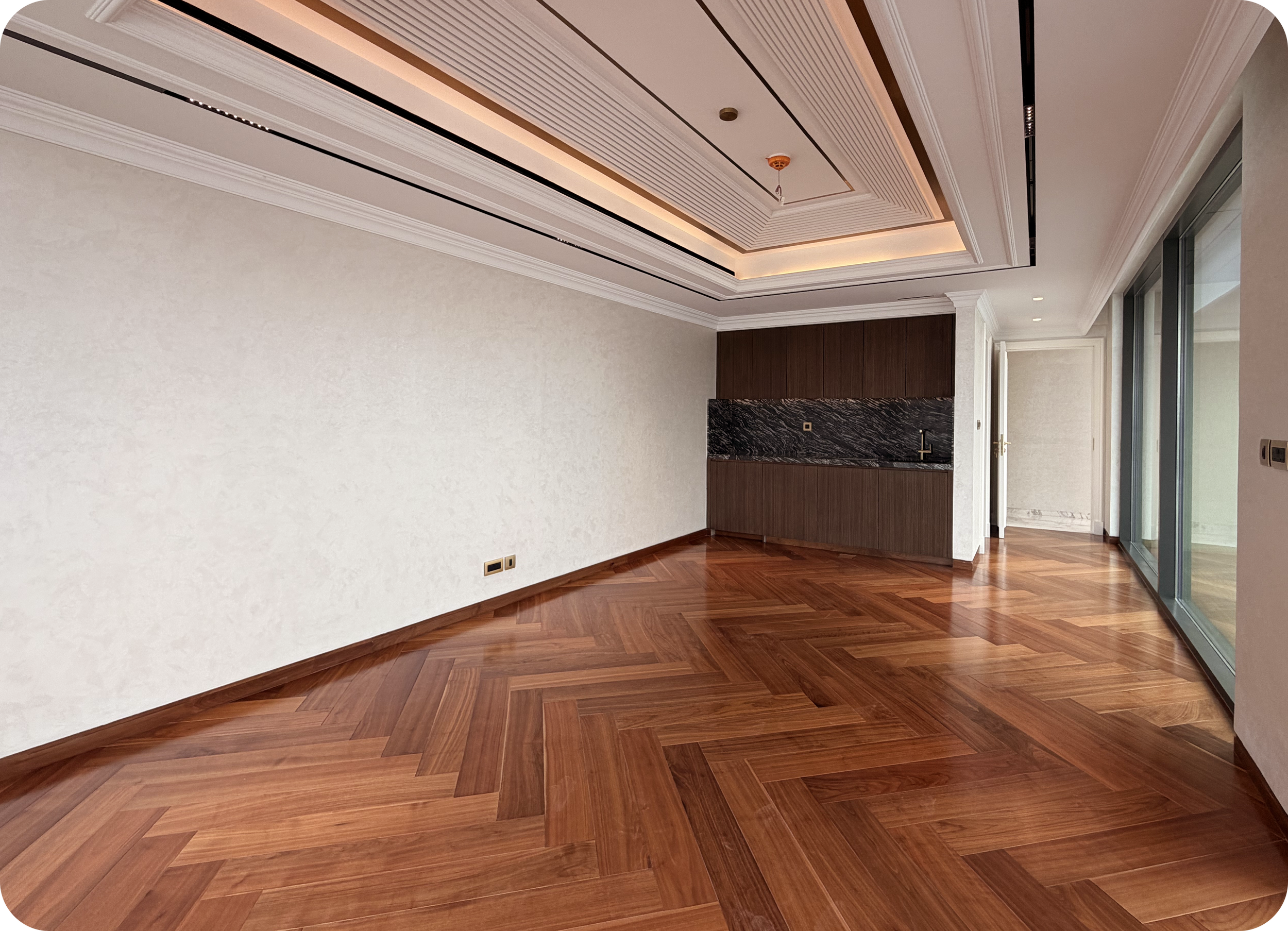
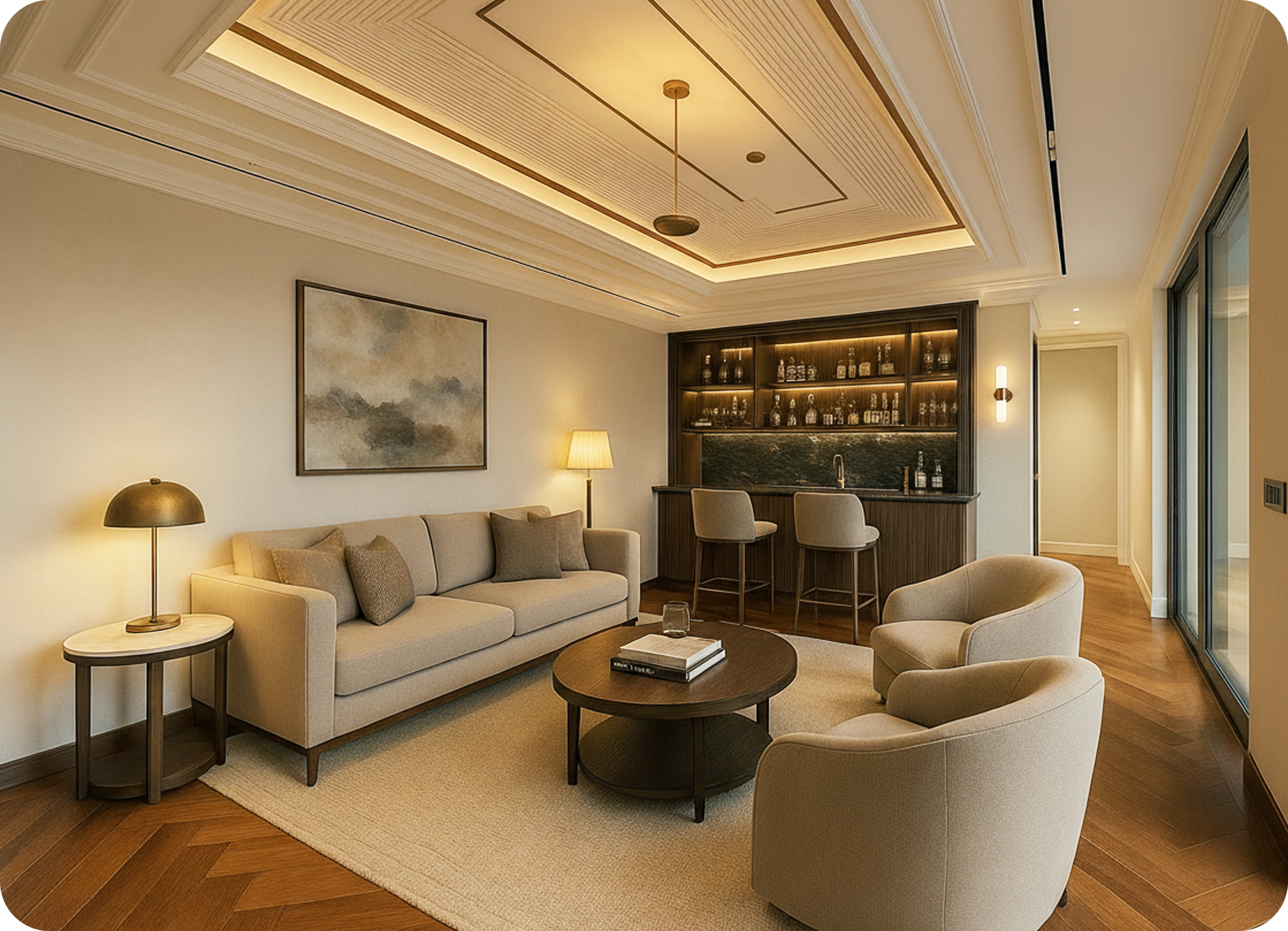
See ‘before’ ↑
Stage in seconds
Generate polished exteriors and furnished interiors from empty or under-presented rooms.
Match the audience
Explore styles, layouts, moods, and room uses for different property types.
Keep it realistic
Create natural, premium results designed for property marketing use.
Describe the edit.
Studio creates it.
Some property edits need more than sliders.
Use natural language to guide specific changes, clean up distractions, update finishes, or refine the visual direction.
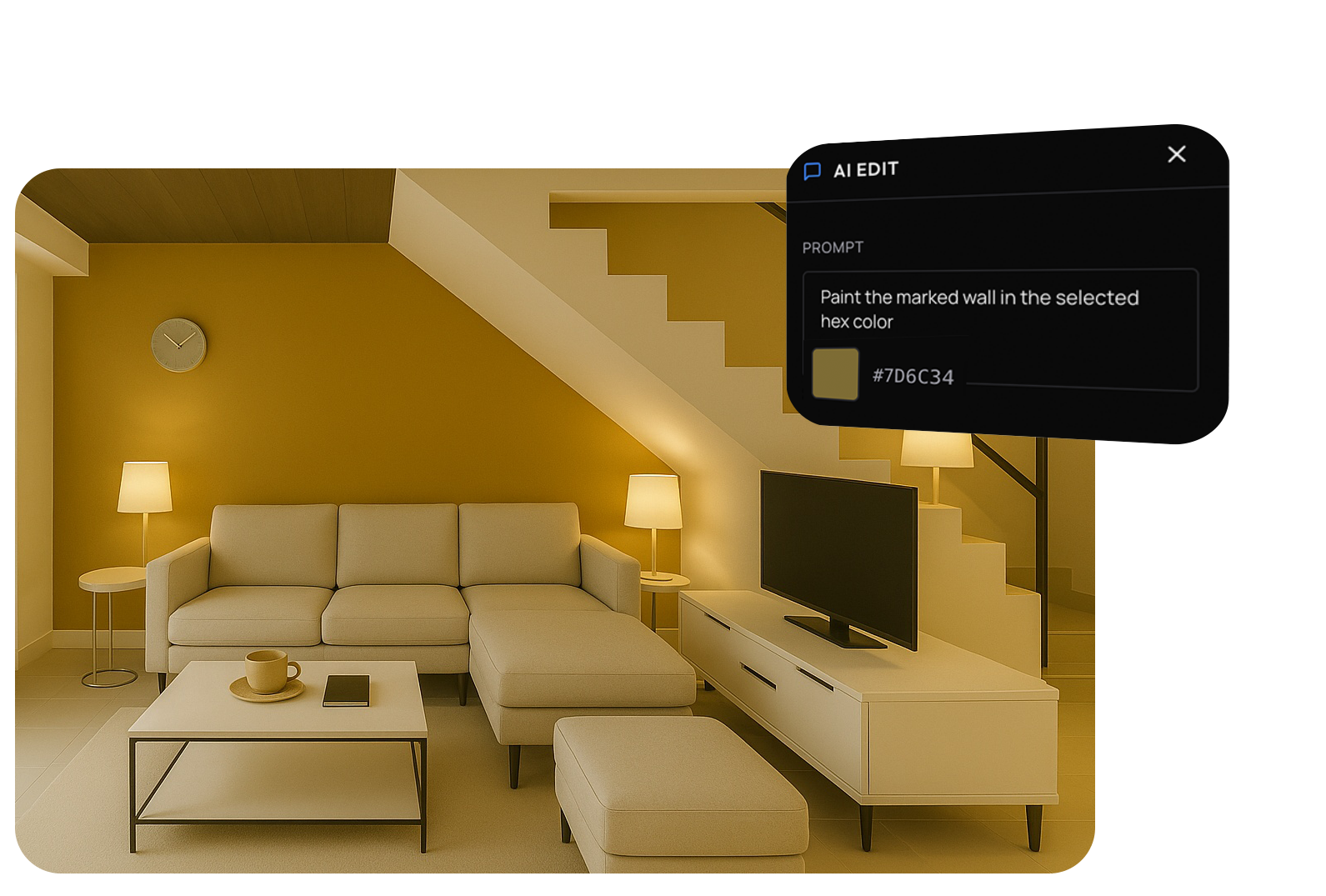
Change finishes
Update flooring, walls, fixtures, materials, or surfaces.
Guide the look
Use prompts, reference images, style direction, or brand colors to control the result.
Remove distractions
Clean up clutter, marks, cables, personal items, or small imperfections.
Every version stays connected.
Creative work moves fast. Studio keeps it organised.
Track originals, enhancements, staging options, crops, AI edits, and final selections without losing the decision trail.
Compare faster
Review versions side by side and rate favorites for easy selection.
Compare faster
Review versions side by side and rate favorites for easy selection.
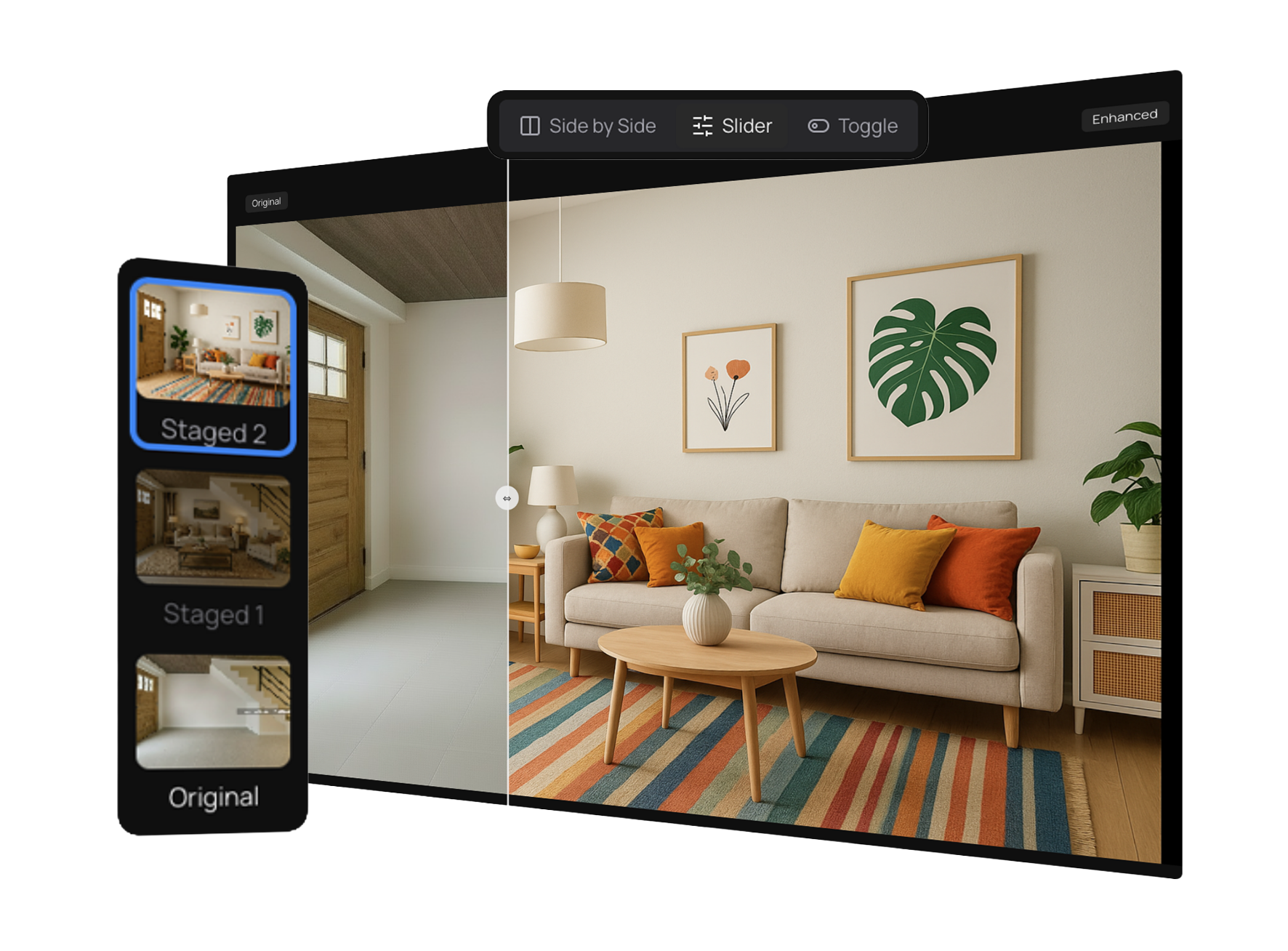
Compare faster
Review versions side by side and rate favorites for easy selection.
Go beyond still images with Studio Plus.
Studio Plus adds premium tools for teams that need richer property marketing assets — from video-style content and upscaling to landing pages and controlled sharing.
Frame
Extract the perfect moment
Pull stills from video with precision—ready to enhance, stage, or publish.

Upscale
Sharper, cleaner, higher resolution
Prepare selected images for sharper web, print, brochure, and premium marketing use.

Lightshift
Bring images to life
Create smooth, cinematic transitions between scenes—designed to feel natural, not artificial.

Vault
Share assets, safely. Simply
Share curated property assets with sellers, clients, teams, or guests in an online, securable space.

Tour
Turn images into video walkthroughs
Share simple, fluid property tours that guide viewers through a space.

Promote
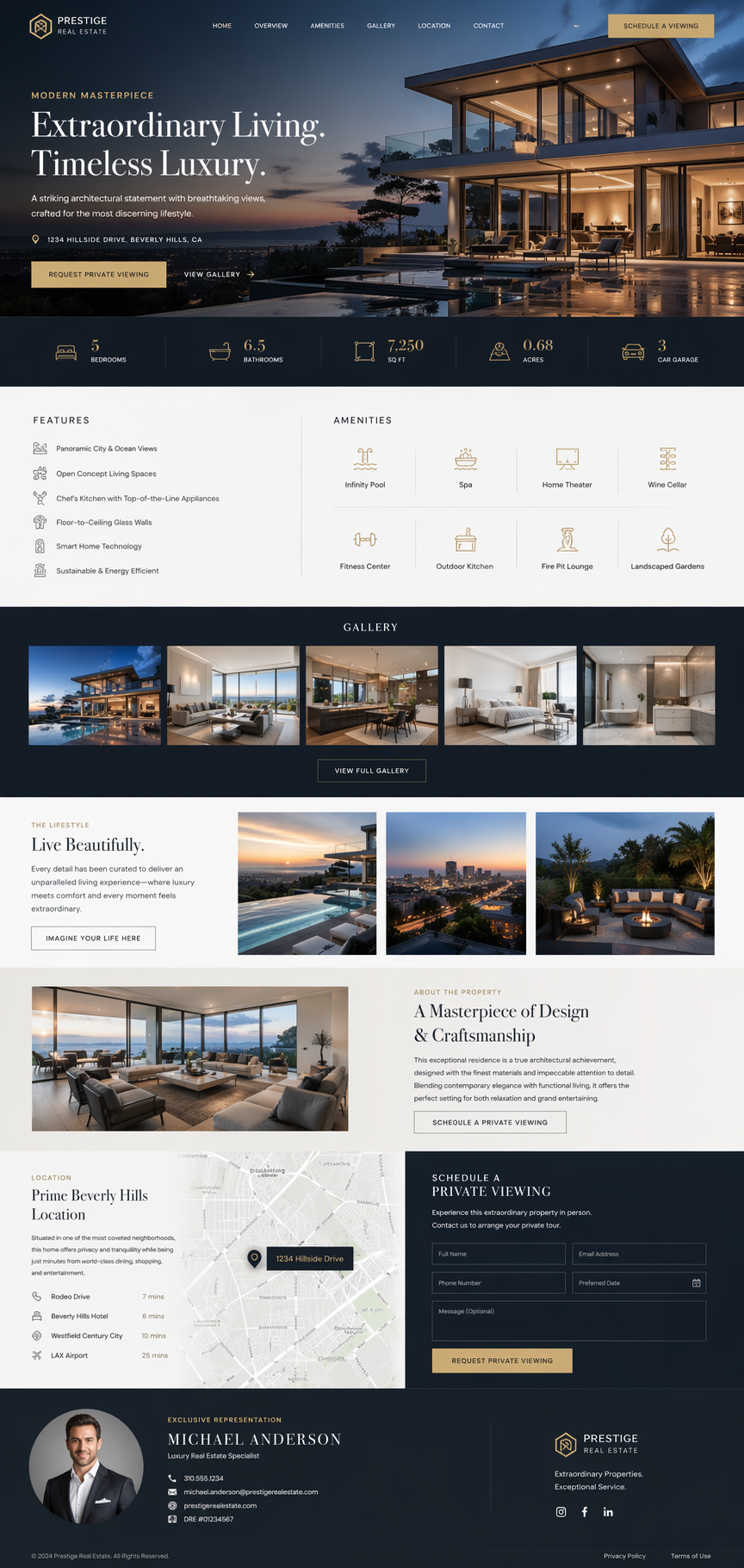
Polished websites
Publish photos and listing copy into elegant property marketing web pages. Zero code.

Store it well. Share it easily.
Studio doesn’t stop at editing.
Organize finished assets, prepare collections, and deliver them in a way that’s as polished as the work itself.
Vault is your customizable Cloud sharing solution - built into Studio.
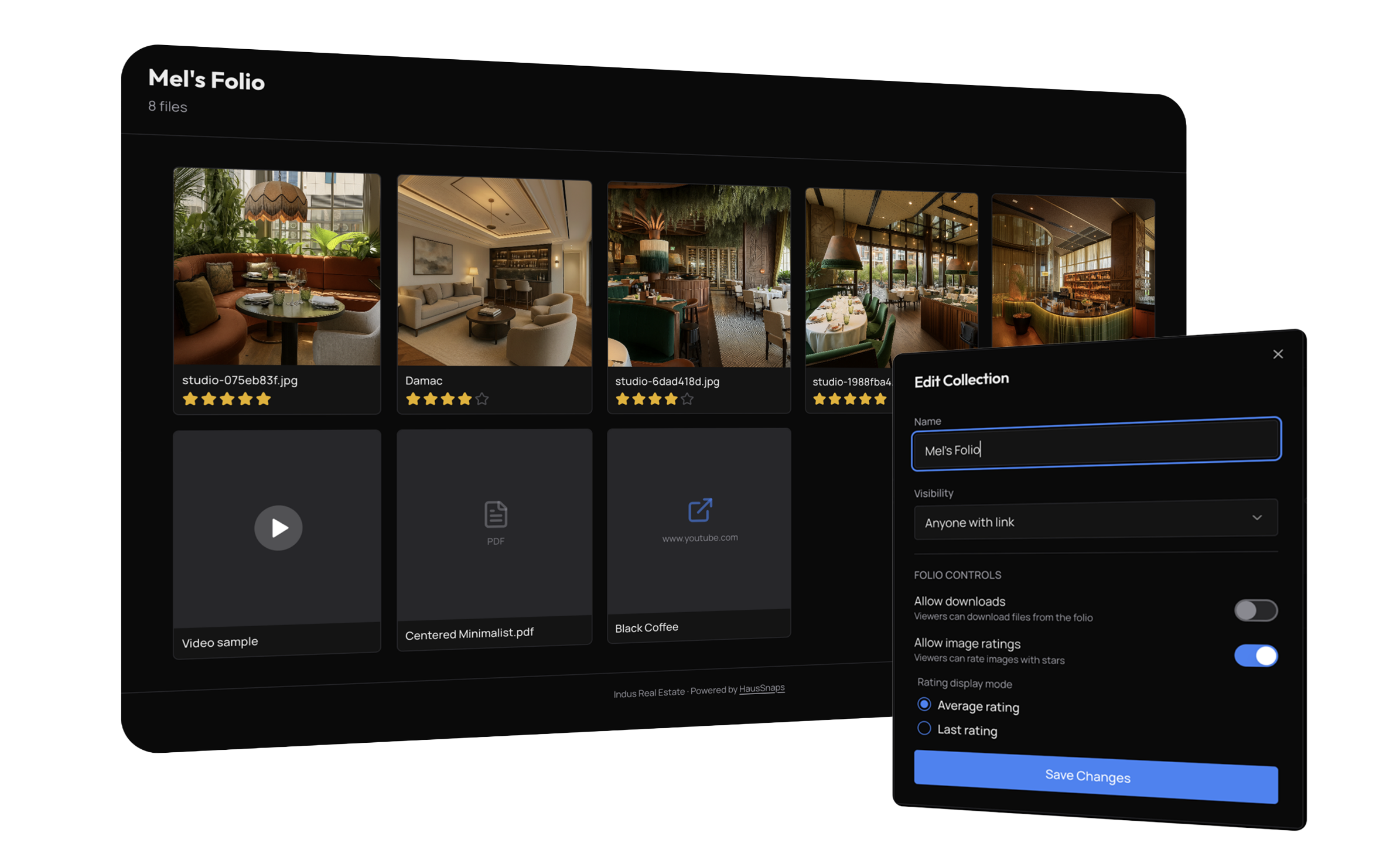
Keep everything together
Store property media in one organized workspace.
Get real-time feedback
Clients can rate images in shared folios, instantly.
Share with confidence
Vault shares photos, albums, documents, videos & links with anyone - securely.
Trusted by teams that need to move quickly — and look premium doing it.
“HausSnaps Studio cut our turnaround time by weeks. We shoot in the morning and publish by the afternoon.”
— Agency Director, Dubai
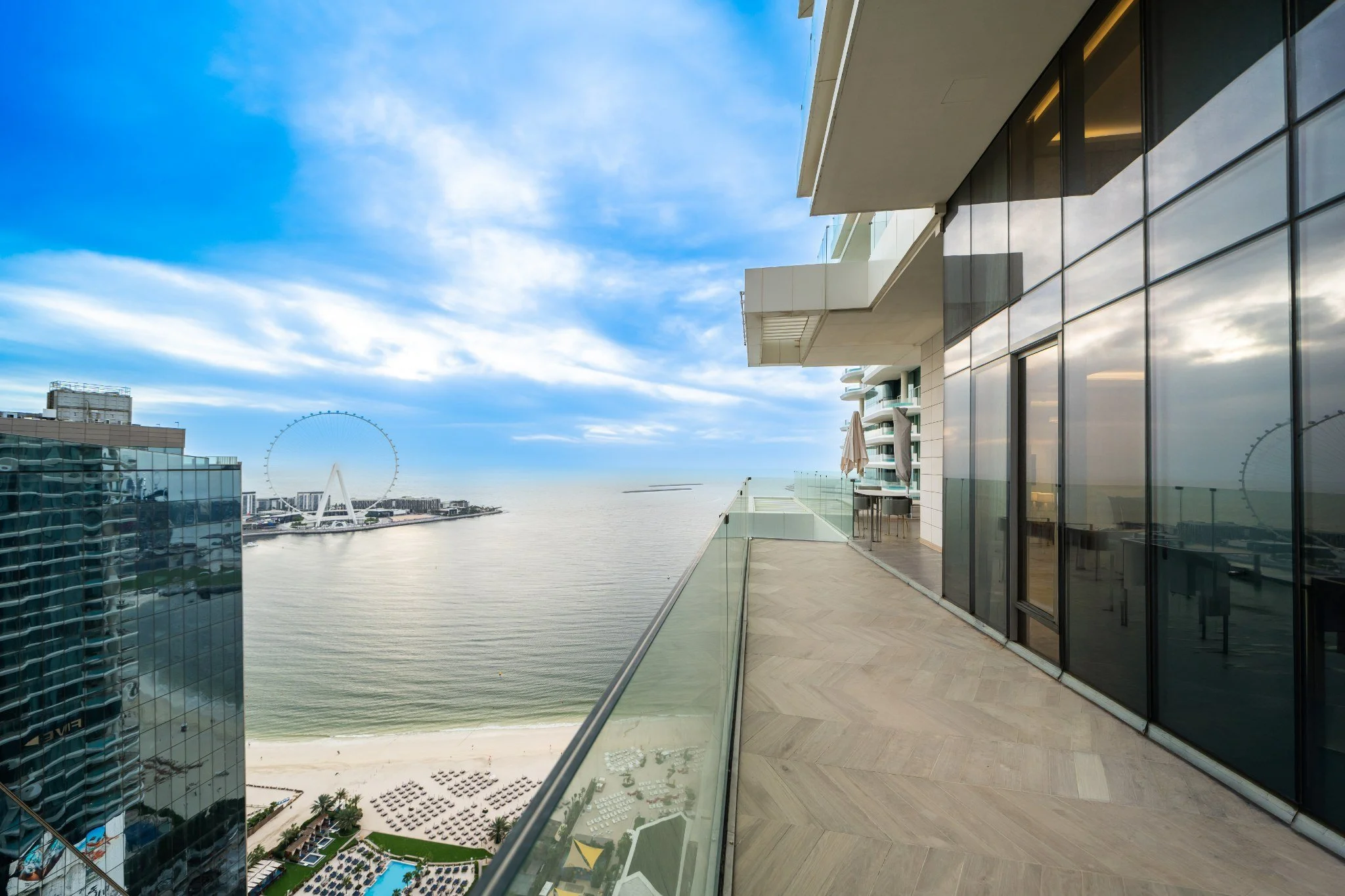

See ‘before’ ↑
“The combination of AI staging and manual control is unmatched. It’s like having a full creative team in one tool.”
— Head of Marketing, Real Estate Group
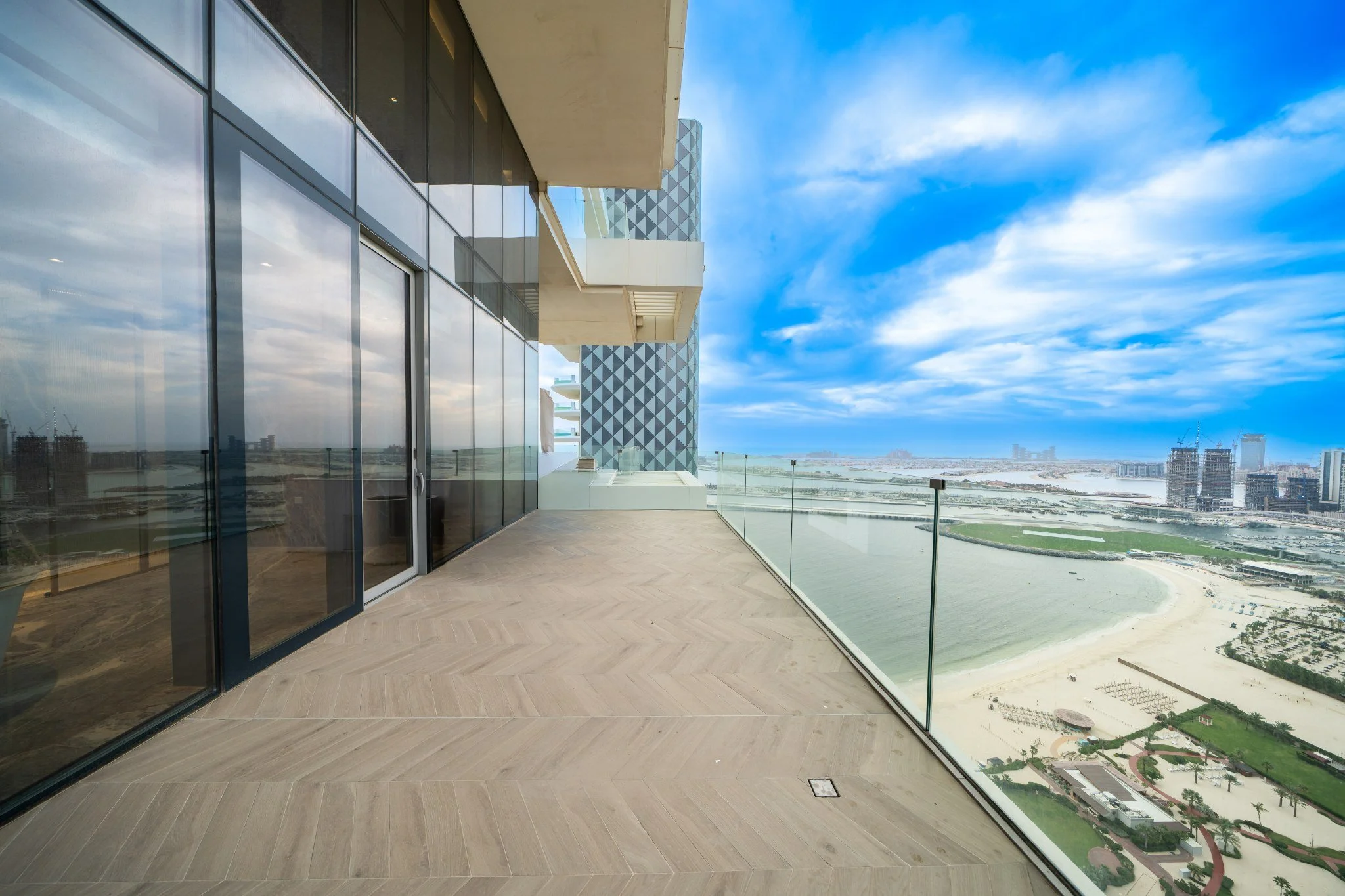

See ‘before’ ↑
Your new property marketing workflow starts here.
One workspace for enhancement, staging, editing, organisation, and delivery.
Faster to use.
Better to present.
Easier to scale.
Frequently Asked Questions
-
No. Studio is a web application designed to work with all modern browsers like Safari, Chrome and Edge.
-
Yes, Studio is offered at no cost to all Agency plan clients.
Studio also includes optional advanced AI features, collectively referred to as Studio+. Studio+ features require credits that can be purchased from the Studio dashboard. -
Studio Plus are advanced AI tools designed to create unique visual media from real estate photos.
Studio Plus features are full integrated into Studio and are free to try. -
Studio Plus has advanced features that are free to try.
To continue to use Studio Plus features, credits are required and can be purchased from the Studio dashboard.